Amazon · 3 min read
Amazon A+ Content Design: Extending Your Packaging System into Modules
A+ Content works best when it feels like the package unfolded onto the page. Your packaging system already contains most of what you need.
A+ Content gives brand owners extra space below the main listing to explain the product with images and structured modules. It is easy to treat that space as a separate design project with its own look. I think that is a mistake. Good Amazon A+ content design reads like the package unfolded onto the page.
Start from the packaging system, not a template
A well-built pack already has the parts A+ needs: a type system, a palette, an icon set, a hierarchy of claims, and supporting copy organized by panel. Rather than inventing new assets for each module, map what the package already has onto the modules available to you.
- Brand header: the wordmark and the front-panel hero claim.
- Benefit modules: the pack's badges or icon set, given more room to explain.
- How-to or usage modules: the directions or preparation steps from the back panel.
- Comparison modules: the variant or SKU system, side by side.
- Story modules: the brand narrative that usually lives on a side panel.
Module types, dimensions and text rules are set by Amazon and change over time, so confirm the current options in Seller Central before you design. The mapping above holds regardless of the exact module set.
Translate panel logic into scroll logic
A package is read in a rough order: front, then side, then back. A+ is read top to bottom. The translation is fairly direct. The front panel's first and second reads become the top modules. Supporting proof follows. Detailed or regulatory-style information sits lower, where interested buyers will find it.
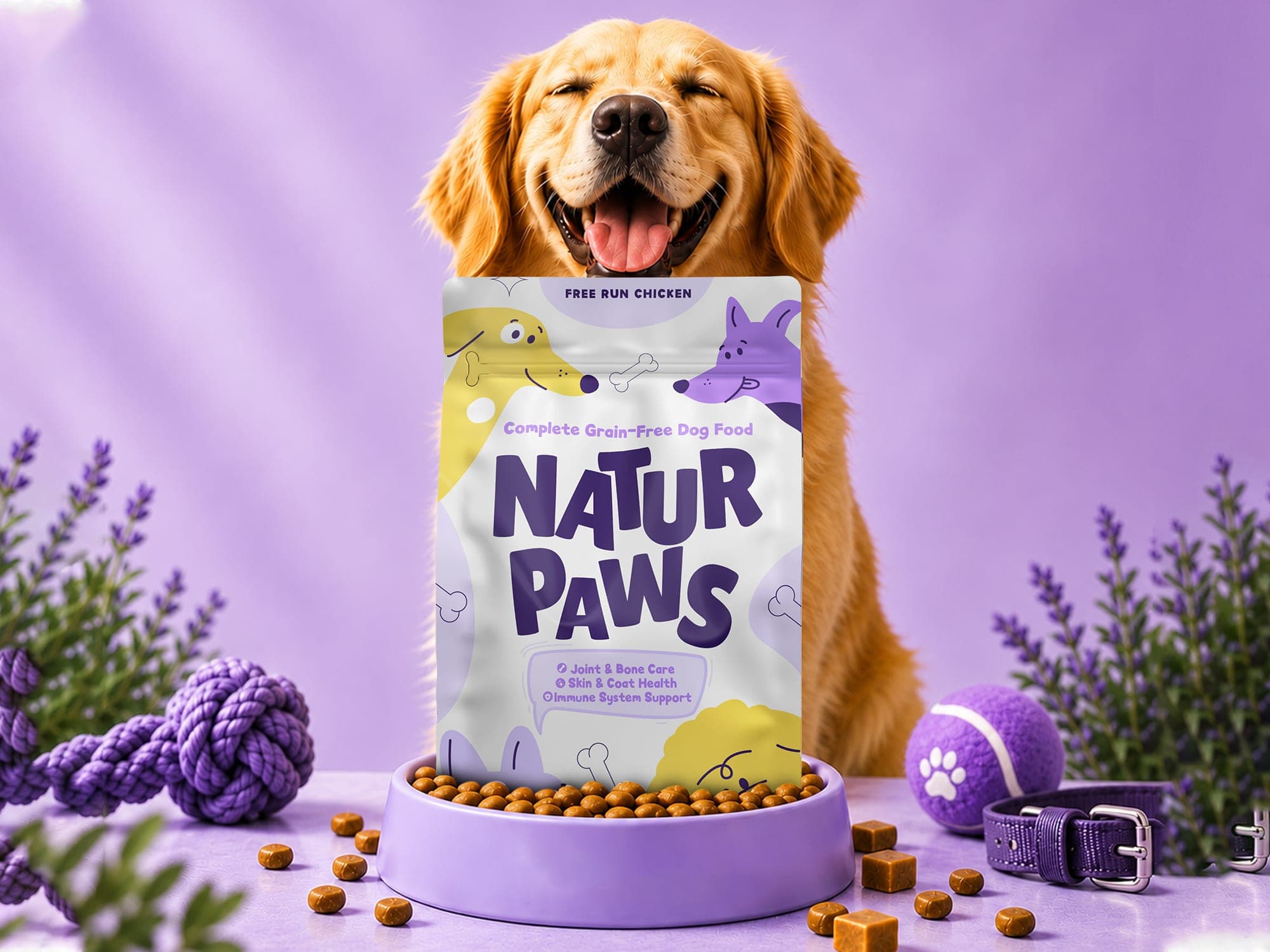
Natur Paws is a useful illustration of the source material. The pouch already separates three layers at a glance: brand, protein variant and functional benefits (joint and bone, skin and coat, immune support). Its playful dog characters extend across panel edges so the brand holds together from any angle. That same continuity, characters and wave shapes carried across module boundaries, is what keeps a long A+ scroll feeling like one piece.
Imagery with a clear role
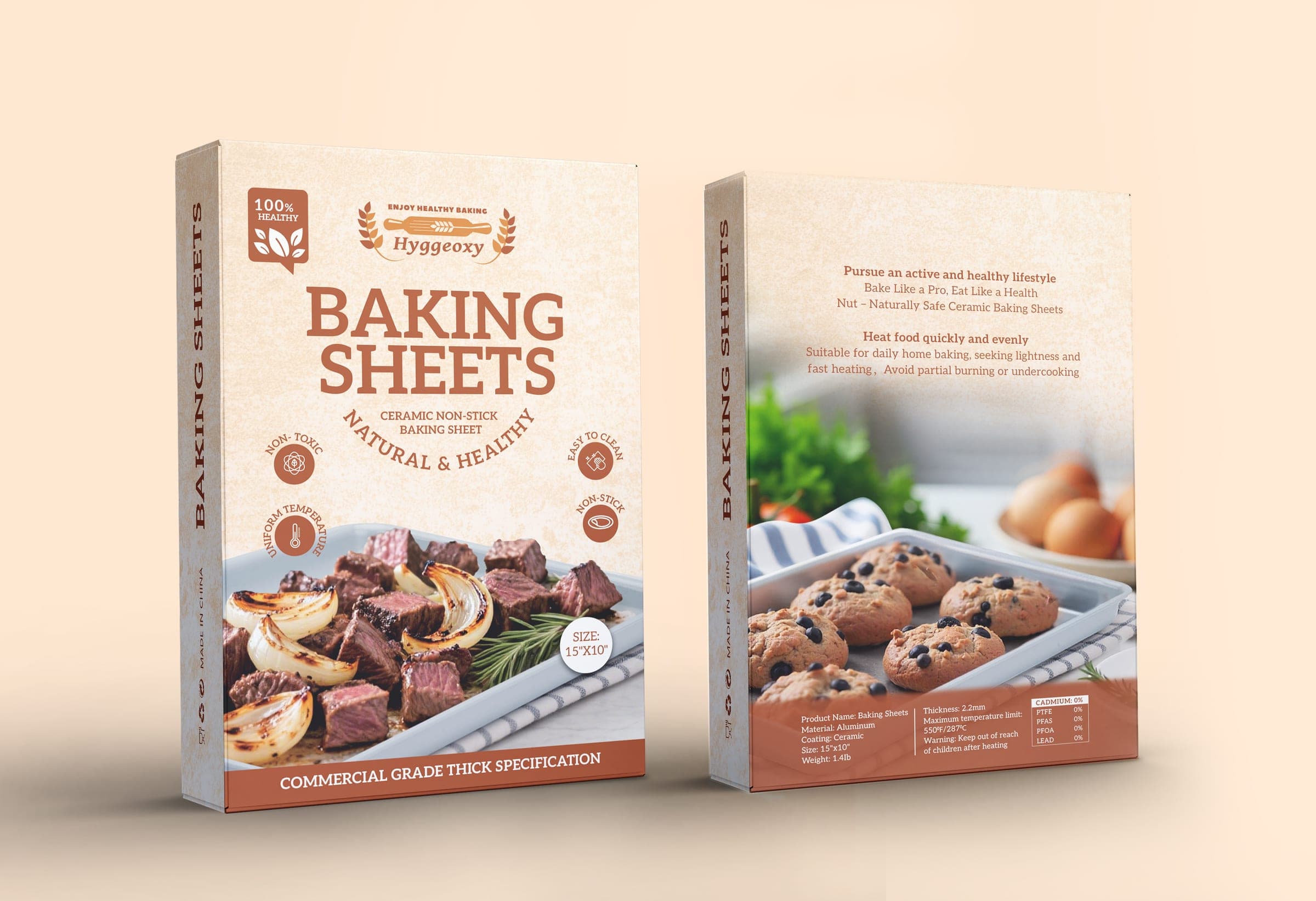
Every image in A+ should earn its slot. Hyggeoxy's carton shows one way to assign roles: savory roasted dishes on the front, sweet baked goods on the back, so both use cases are covered without crowding either panel. In A+, that becomes two clearly separated use-case modules rather than one busy collage.
Design for mobile first
A+ modules are often viewed on a phone, where text inside images can become very small. Keep embedded text short and large, keep key messages in live text fields where the module allows it, and check every module at phone width before publishing.
When packaging and A+ are designed together from the same system, each one strengthens the other. That joined-up approach is what the Brand Growth System is built around.