Dielines · 3 min read
Packaging Dieline Design: What a Dieline Is and What Belongs on It
The dieline is the technical drawing your artwork has to obey. Understanding what it shows changes how you design every panel.
A dieline is the flat technical drawing of your package: every cut, fold, seal and panel, laid out at actual size. It is what the die-cutter, the folder-gluer or the pouch converter works from. Your artwork sits on top of it, and it has to obey it. Packaging dieline design is the work of making those two things agree.
What a dieline shows
At minimum, a dieline marks where the piece is cut and where it folds. Depending on the structure, it also shows the parts of the pack that will never be seen flat, or that behave differently once filled and sealed.
- Cut lines: the outer trim of the piece.
- Fold or crease lines: where panels bend.
- Bleed and safe margin guides.
- Seals and seal widths on pouches.
- Gussets: the folded sides or base that give a pouch or bag its depth.
- Zipper and tear-notch positions on resealable packs.
- Glue flaps and tuck flaps on cartons.
A pouch example
The Dumbbell Nuts stand-up pouch shows how much a dieline decides. The pouch is 160mm wide in total, but only 145mm of that is printable body. There is a 45mm bottom gusset for shelf stability, a 13mm resealable zipper set 25mm below the top edge, 7.5mm side seals and a 19mm top cut area.
Each of those numbers removes space from the design or changes what can live there. Barcodes and batch codes on that line are locked to flat, non-flexing zones above the gusset, because a code that bends with the base is a code that may not scan.
A carton example
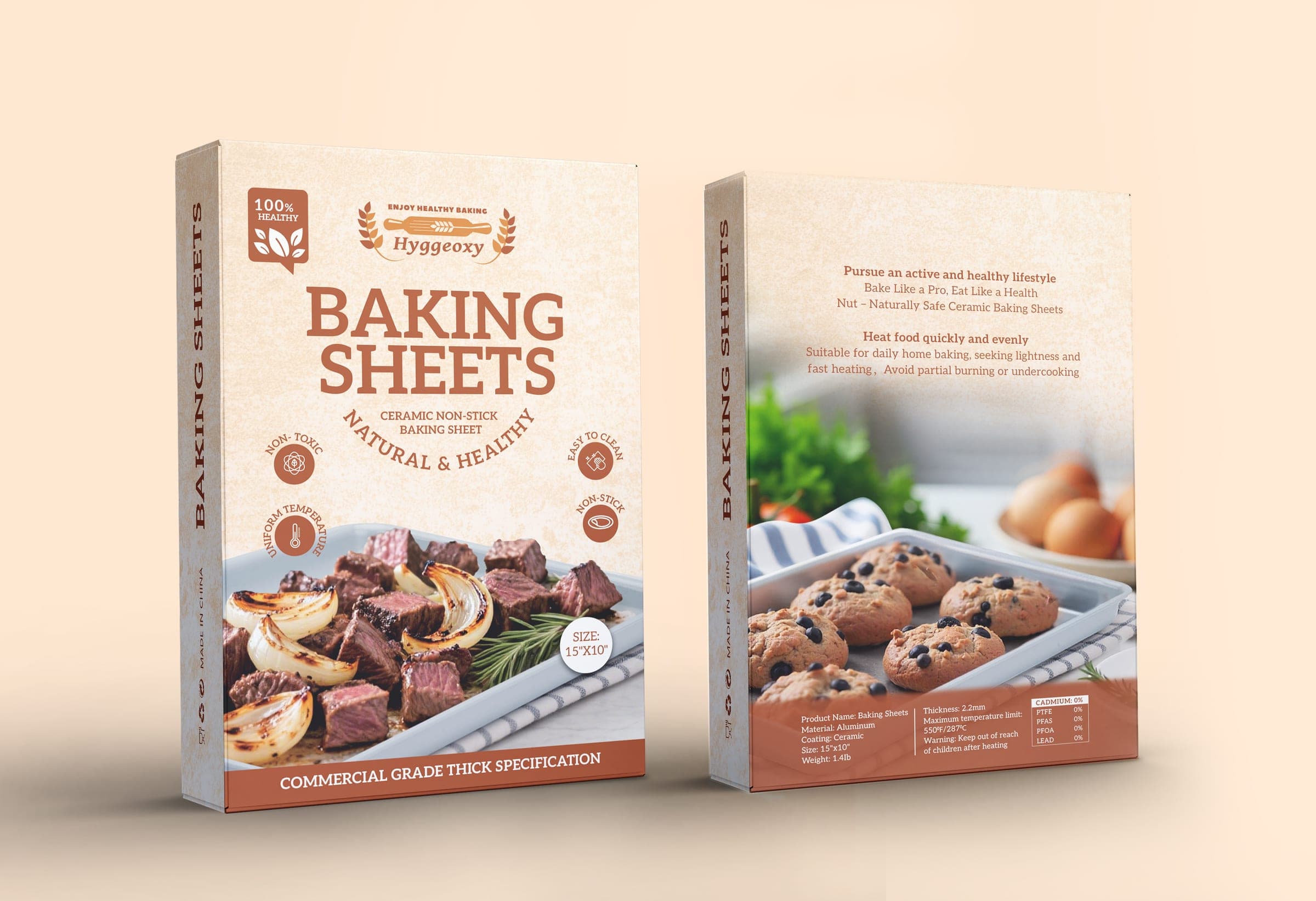
Cartons bring a different set of constraints. The Hyggeoxy bakeware carton is a tuck-end structure at 38.7 x 25.8 x 3 cm, with fold allowances and glue flaps mapped on the dieline. Panel orientation matters too: the top-flap logo is printed inverted on the flat so it reads correctly when the box is opened, and side-panel type runs vertically for warehouse stacking. None of that is obvious from a front-panel mockup. All of it is visible on the dieline.
Why the dieline sits on its own layer
The dieline is reference, not artwork. It should be drawn as a thin stroke on a dedicated, non-printing layer, clearly named, so it can be switched off for plates and switched on for checking. When a dieline is merged into the artwork, it can end up printed on the pack, or deleted by accident along with something else.
Where possible, start from the converter's or printer's own dieline rather than drawing one from scratch. They know their machine tolerances. Your job is to build artwork that respects them.
If you have a structure chosen but no clean, layered dieline yet, the Production-Ready Packaging Design service covers dieline implementation alongside the artwork itself.